

In my previous post, I revealed my most recent purchase in an attempt to give my gaming setup a mid-cycle refresh. I bought a new 32 inch 4K monitor from Asus. My initial plan was to simply upgrade my monitor and sell the old one. But a thought occurred while I was doing the switch; what if I try doing two-monitor set up. Since both monitors are of different sizes, why don’t I flip the old 27 inch 1440p monitor vertically and place it on my right.
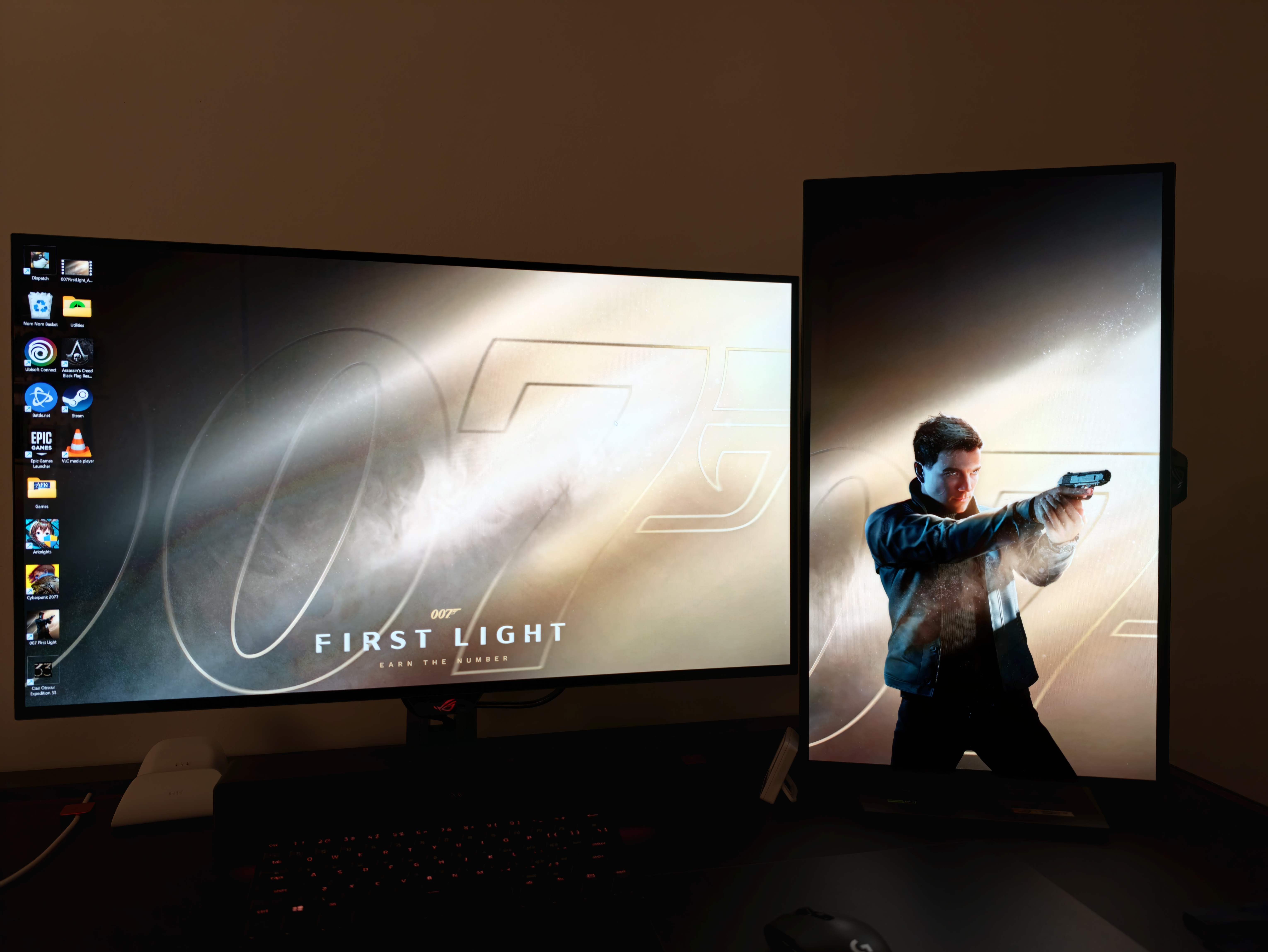
And that was what I did. When it was all set up and done, I was quite impressed at how well it looked on my desk. It was surprisingly clean looking. I slapped two 007 first light wallpaper and it suddenly look 100% better. So I decided to keep my 27inch monitor as a secondary vertical screen.
This inspired me to improve my setup even further. I have always been a one monitor person, never envisioning myself using two monitors for whatever purposes. Now that I have two, it was expanded my possibilities on what I can do with the extra screen. It is still early days, but I am still actively exploring how best to use the secondary monitor in the most productive way possible.
I decided to give the Corsair Xeneon Edge a go. I took the plunge, getting it for about SGD270 during the 9/9 sale on Shopee. It was never cheap to begin with. This device is basically a 14.5 ultrawide capacitive touchscreen that is highly customisable suit your needs, whether you are content creator, a streamer, an artists or simply wants a secondary screen to easily access information via widgets.
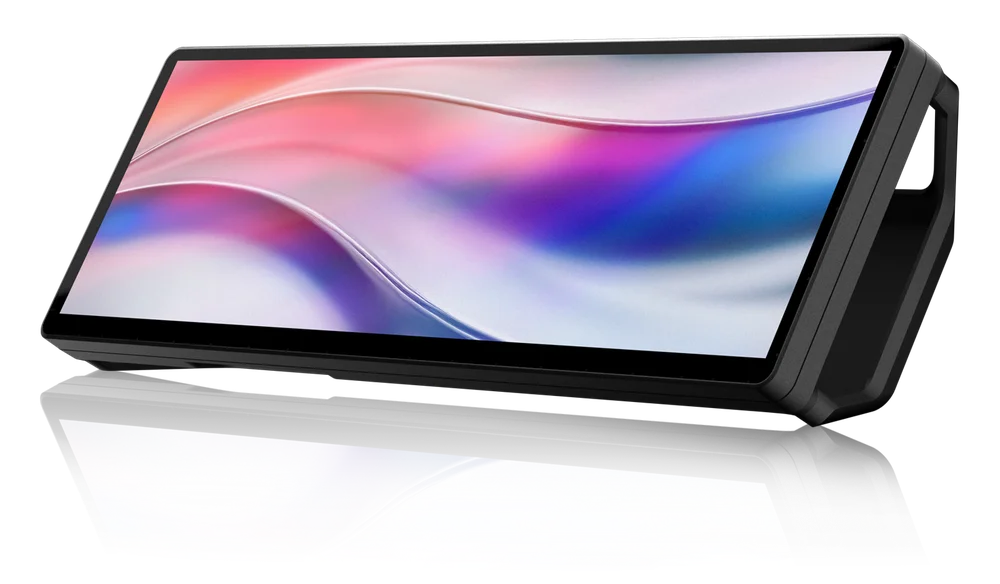
I plan to place this screen above my main monitor. I cannot put it below, slanted using the provided magnetic stand, as I have a soundbar below my monitor already. In order to mount on top of my monitor, I will need to buy a mounting system or an articulating arm with 1/4 thread screws commonly used to mount cameras on tripods. The Xeneon Edge have two mounting holes that are compatible with the 1/4 thread screws that I can easily mount on top of the my Asus monitor, which also has similar thread screws at the back. With the articulating arm, I can easily adjust the height and position of the Xeneon Edge precisely above the monitor. I don’t know if it will turn out well or not. If it doesn’t I might just sell the Xeneon Edge away. But for now, it looks like I have done my research and that it should work well. I am quite excited to give it ago and explore the various widgets Corsair offers in customizing the Xeneon Edge. I will definitely use the Xeneon Edge to display critical stats of my rig while gaming. You can create multiple dashboards in which you can swipe, eash dashboard serving a particular purpose or showing a particular piece of information.
Will it make my set up cluttered? Possibly.
Will the vanity wear off over time? Maybe?
Will customising the widget be worth the trouble? Perhaps.
I will never know until I try.
So these are some of the upgrades I plan to make to my current gaming set up. There are more to come which I will discuss in the future.


Leave a Reply