

At the turn of 2025, I decided to get myself a new gaming monitor. Not just any monitor, but an OLED panel. For a while now, I have always been hesitant in getting an OLED panel as a gaming monitor. Screen burn-in issues was my number one concern at the time. Second was the price. It was pretty expensive back then when OLED panels was introduced as a viable panel as a gaming monitors.
But now, technology has improved a lot. Screen burn-in, still a potential issue, can be mitigated by improved panel manufacturing processes. In-built settings can minimize or drastically delay the onset of burn-in. Panels manufacturers are now confident to provide longer warranty and greater coverage for their customers against screen burn-in and other pixel related defects.

I bought myself the ROG strix OLEX XG27AWGMG WOLED display from Asus. I got it from Shopee during the 12-12 Sale back in 2024. After all the discounts and vouchers applied at checkout, I got it at just under $1000 for a 27 inch, 1440p monitor. Not to shabby in my opinion. The model is also one of the first gaming monitor to feature a glossy panel for improved sharpness and visuals.
Now that I have tried it, I must say that this is a gaming peripheral upgrade that I never knew I needed. This is an upgrade from my old Alienware 1440p, 166hz IPS panel display. I severely underestimated how much of a difference an OLED panel can elevate my overall gaming experience. Now that I have used it, all of my gaming experience, be it RPGs, ARPGs, action adventure, shooter, or space shooter games have been elevated to a whole new experience.
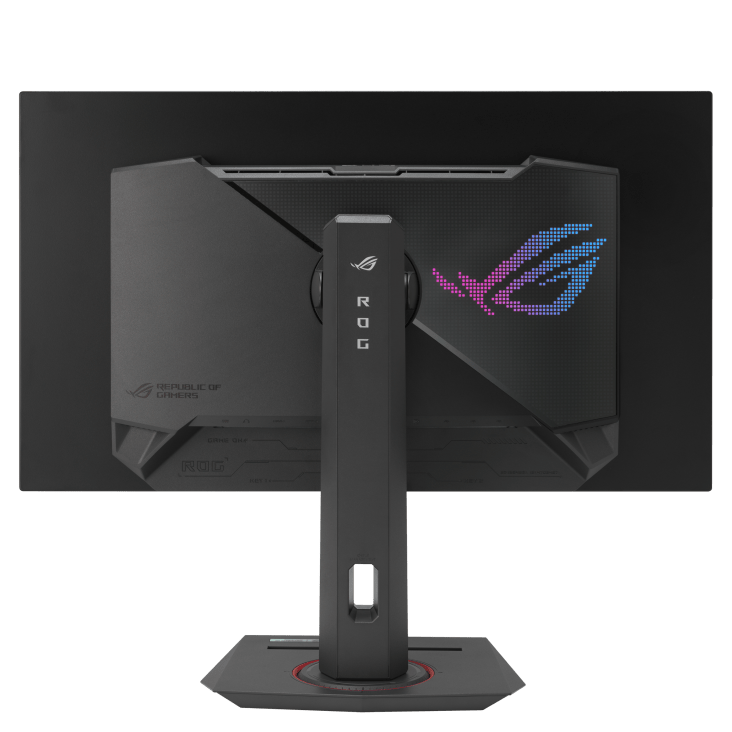
I am a convert now when it comes to gaming on an OLED display. Hands down this is the only way to truly enjoy gaming on a PC. The HDR visuals (if the games supports it) is breathtaking. It is truly a visual spectacle. I have never been so absorbed by the visuals when playing video games before. There were many moments (and many more in the future) where I will just stop and just stare at the screen. Blacks are truly black and the bright levels are truly bright. The Asus WOLED display that I have is a 240hz display running at 1440p. I have always loved playing at 1440p resolution. To me, it is the sweet spot between having great visuals, and having overall smooth gameplay with my current GPU.
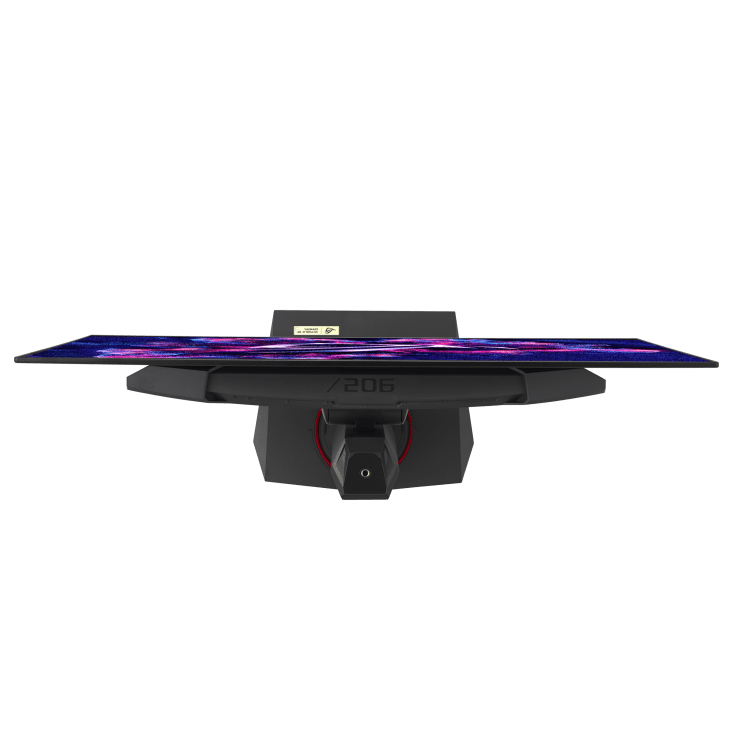
Am not worried about the screen burn-in. I think Asus has put in a lot of effort to mitigate this issue. Furthermore, I don’t really use my gaming computer for productivity purposes. Sure, I do use it to watch YouTube and read news articles from time to time but mainly I use it for gaming. There is one game that take extra care to not cause screen burn-in over time, and that is World of Warcraft. That game as a lot of static UI elements and that game can lead to long hours of uninterrupted gaming sessions. But there is a way to mitigate that and that is to install an add-on that will fade the UI elements when it is not in use (or when the mouse cursor is not hovering it). The fading in and out of the UI elements will ensure that they will never be static. As for the other games, I had no issues with the UI elements. They are either very minimal, can be made transparent or the game simply has a lot of cinematic cut scenes that breaks the monotony of having static elements on the screen for extended duration.
The glossy panel was something that I was worried about initially. I was unsure as to how the panel will handle screen reflections. But in the end, I didn’t have to worry about it because I don’t really have a bright light behind me that would be reflected off the monitor when I am using it. And because now that I have a WOLED panel, I prefer gaming in the dark and immersing myself in the visuals allowing it to just pop in front of my eyes.
If I would ask myself 6 months ago on whether I need an OLED display, my younger self would have said no, there is nothing wrong with my previous Alienware display. But now, it’s OLED all the way.

 thecosmopolitanwanderer.blog
Leave a comment