

With the release of the new Apple iPad mini 7 with an all A17 Pro chip that is ready for Apple Intelligence, I decided to to give it another go and try to make this device work for me. Not to use the iPad mini as merely a consumption device, but also a productivity device where I can write my thoughts, ideas and make a habit to do journaling on a regular basis (one of my 2025 New Year Resolutions, but more on that later) on top of all the usual content consumption that the iPad mini is well known for.
With the all new chip, the A17 is, I dare say, close to the M1 chip in terms of overall processing power, all in a much smaller footprint. This means that I can now comfortably edit videos and photos that I take using pro-like video and photo editing tools all on my iPad mini. The biggest advantage the A17 Pro chip over M1 is its AI and machine learning capabilities, which makes this device ready for Apple Intelligence.
But that aside, since I just gotten my hands on the new devices a few days ago. I will have plenty of time to put the iPad mini though it’s paces. For now, I am still exploring what is the best way I can use this device more often, and how best to carry it everywhere with me where ever I go.
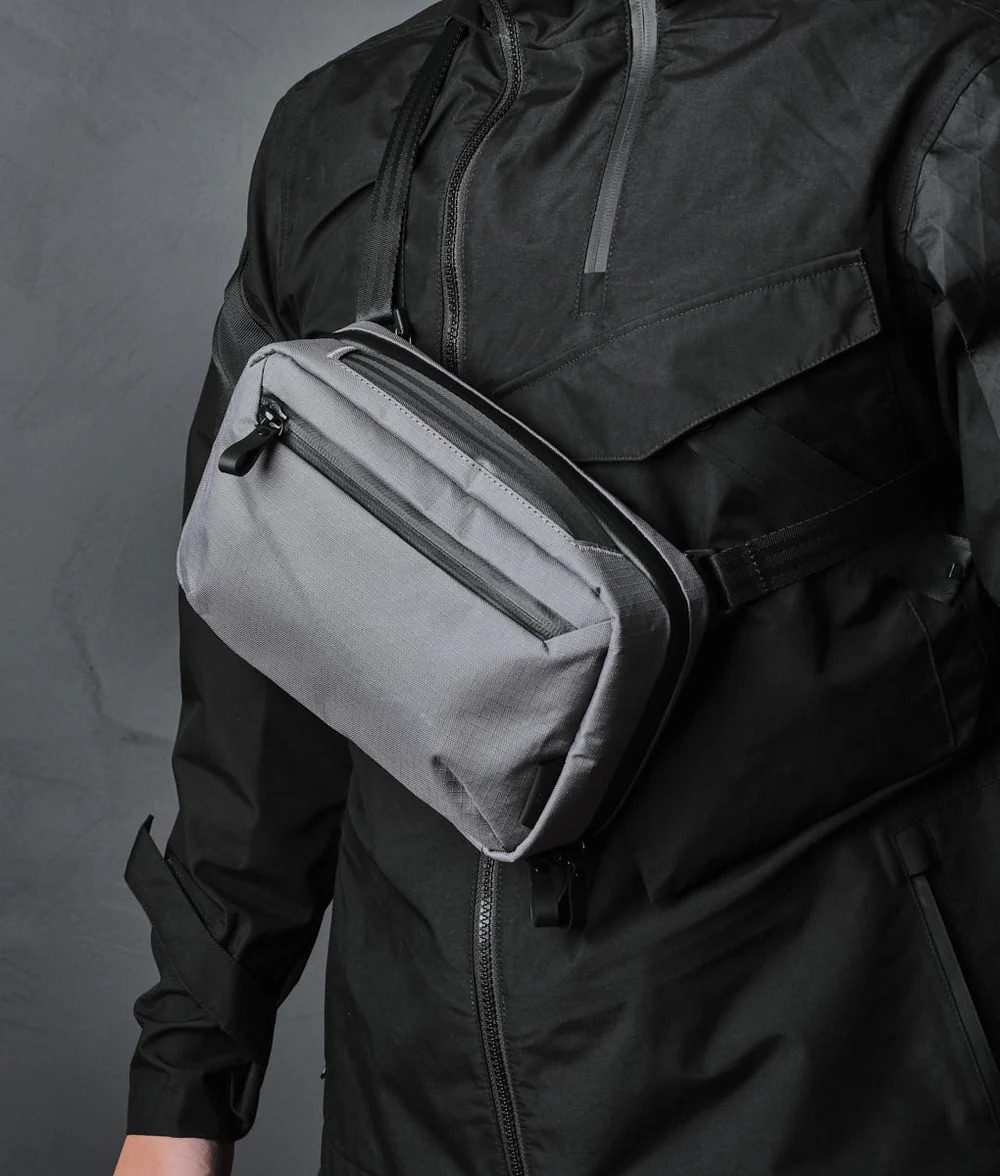
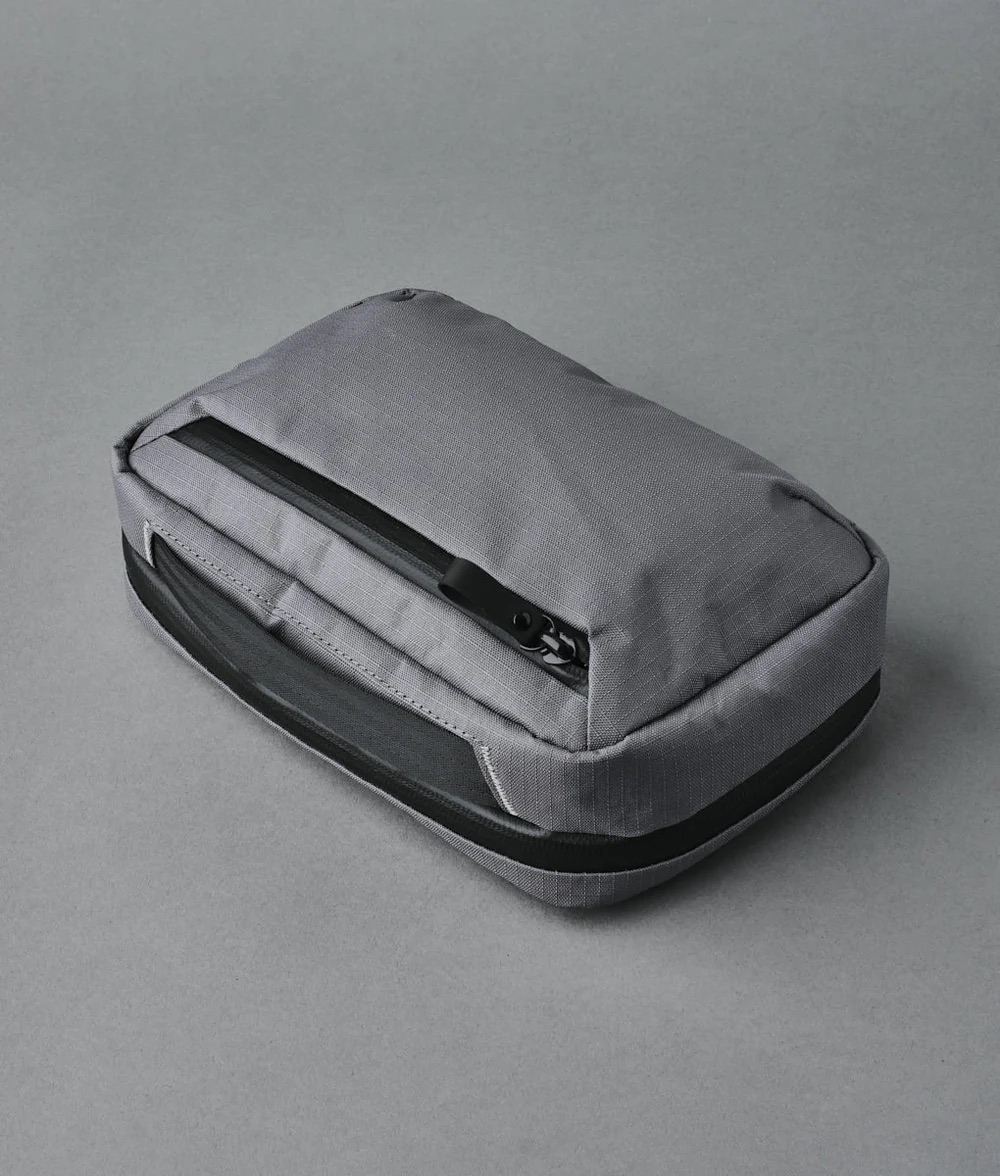
Despite the small size, I still had to look for a good carrying case, or bag in order for me carry the device with me at all times. I decided to settle on the Alpaka Elements Tech Case Max
The Bag
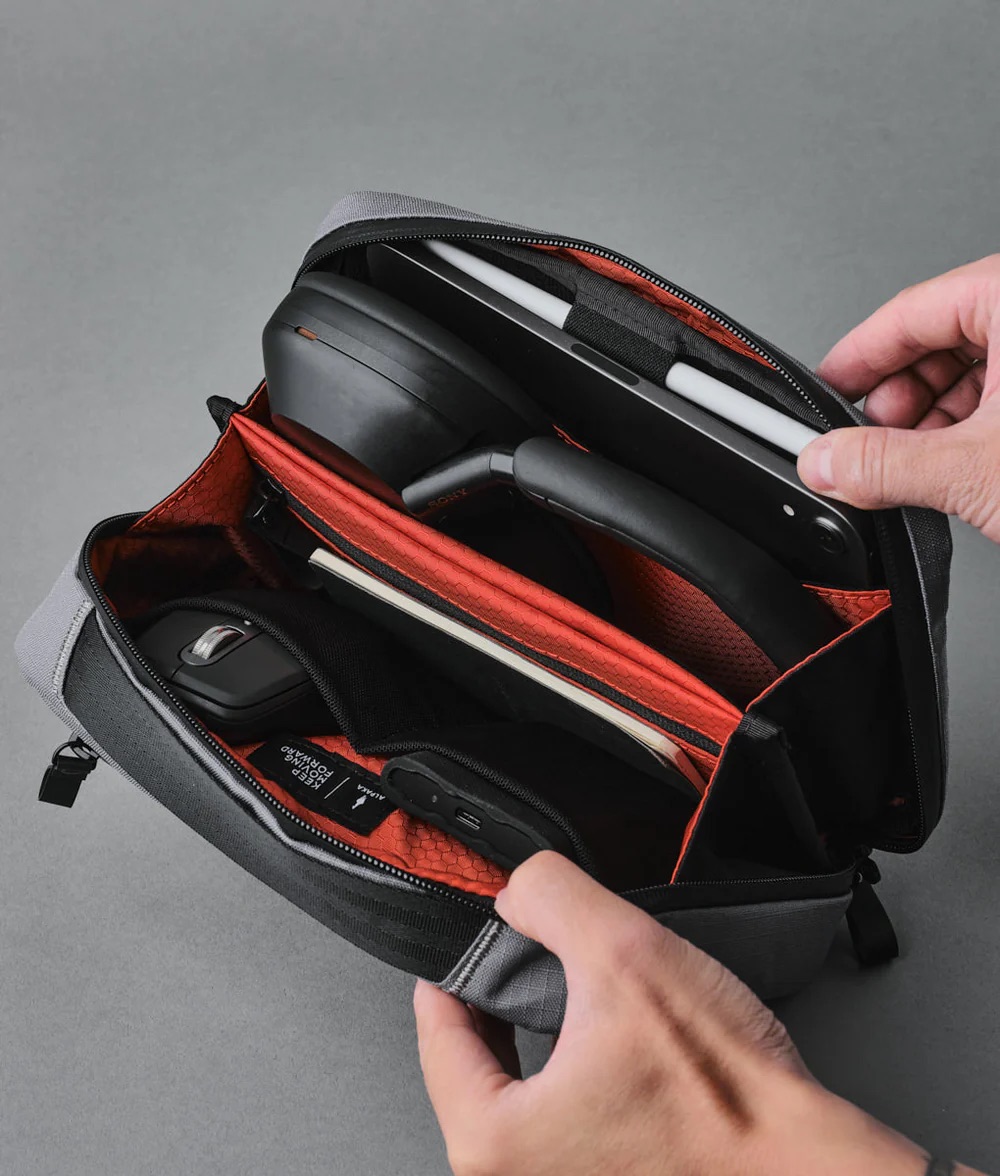
The Elements Tech Case Max by Alpaka is perfectly sized to fit the iPad mini with ample space with all your other tech gadgets. It is not too big or bulky that makes carrying a chore, and it looks sleek and just like any other modern sling bag. Inside however, the internals are fitted and design to safely store all your tech devices ranging from power banks, mouse, notebook, EarPods, charging cables and plugs. I really like this bag and I can definitely see myself carrying this bag wherever I go.
The Folio
I decided to pair my iPad mini with a simple Smart Folio. My intention is to keep the iPad mini as light and slim as possible and the EDC bag that I bought to store and carry the iPad mini provides plenty of protection.
The Pencil
I am not an artist. I can’t draw. I don’t see myself having a need for an Apple Pencil. I have terrible handwriting. And something about writing on the screen and potentially scratching them just unnerves me, despite knowing that there are great screen protectors out there that can help to protect the screen and mimic the screen to have paper-like surface that makes the feeling of writing on the screen very paper-like.
The Keyboard
I have the Logitech Keys-to-Go Bluetooth keyboard for years. But it was under-utilised. I was pleasantly surprised that it still works with great battery life after being in deep storage for a long time. I paired the keyboard with my iPad mini and it worked wonders. In fact, I am writing this entry on my iPad mini using the Logitech Keys-to-Go keyboard. I love this keyboard. Unfortunately, the keyboard is a little too big to fit into the Alpaka Elements. Which is such a shame because I really like this keyboard. So far, I have not been able to find a small keyboard that is tactile and feels good to type, all in a near little package that is portable and that it can fit into my EDC bag. I need to do a little more research.
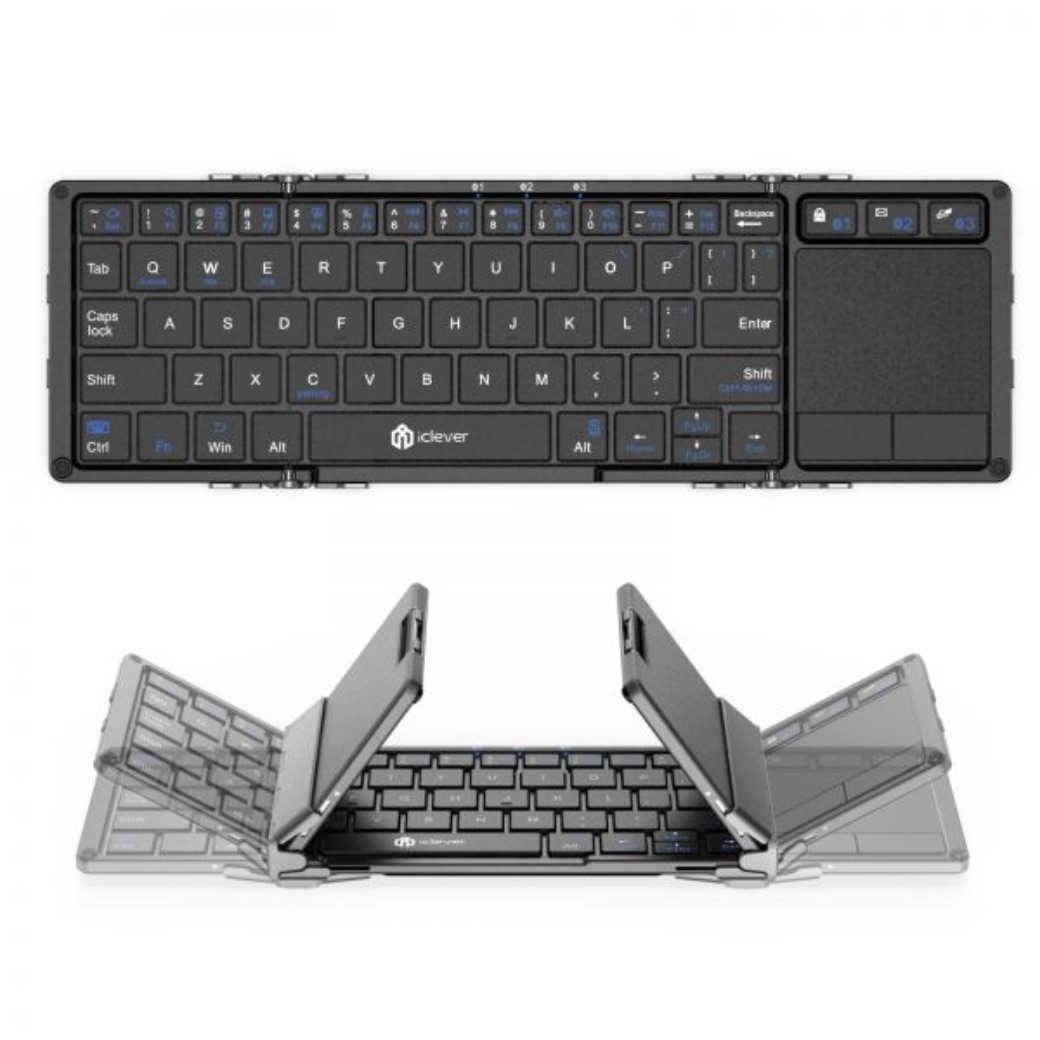
So far the best option I have come across is the clever BK08 Bluetooth Foldable Keyboard. This keyboard is a solid keyboard that is foldable and it seems that it can fit into my EDC bag.
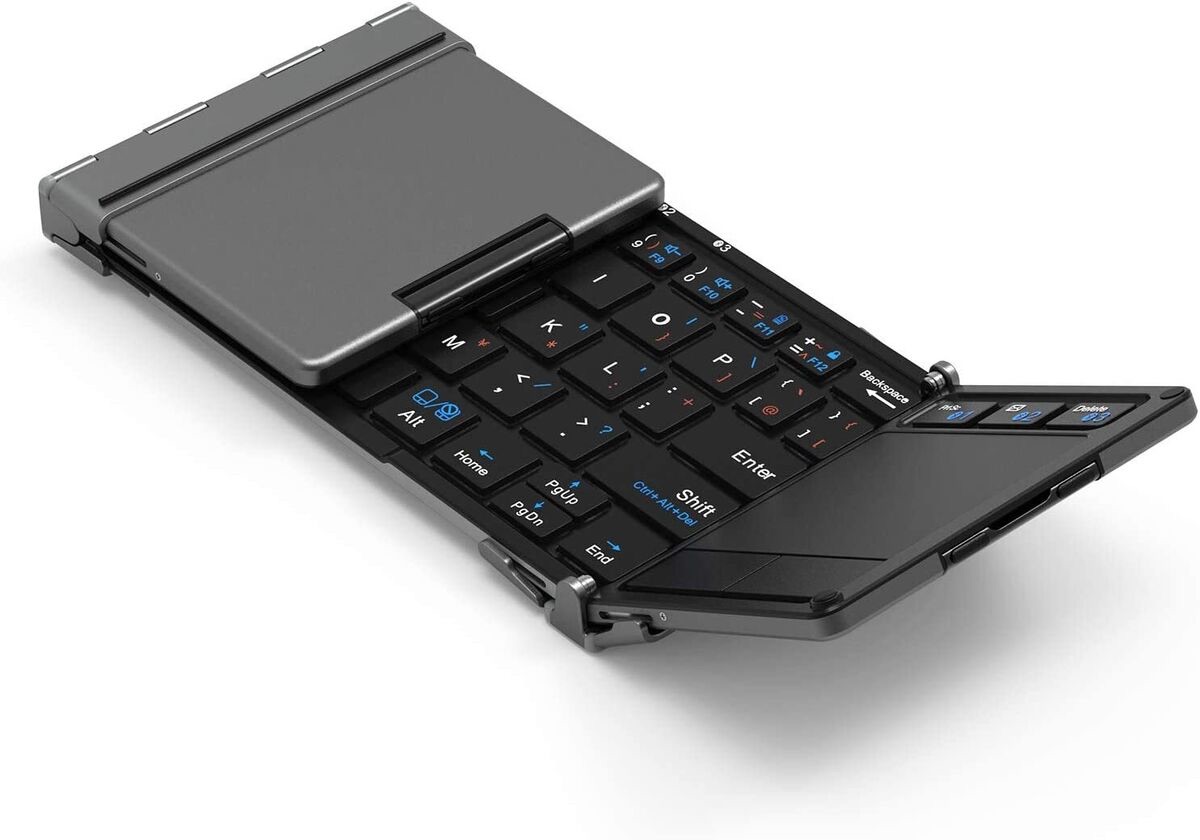
My journey to incorporate the iPad Mini into my daily life is in progress. I have all the main elements in place, the iPad mini, the EDC bag, and other smaller accessories. The only thing I need is a portable Bluetooth keyboard and perhaps the Apple Pencil.

 thecosmopolitanwanderer.blog
Leave a comment